
Strucit runs in the browser on any device and installs as an app on phones, tablets and computers, straight from the browser, so the plan you drew at your desk is in your pocket on site.
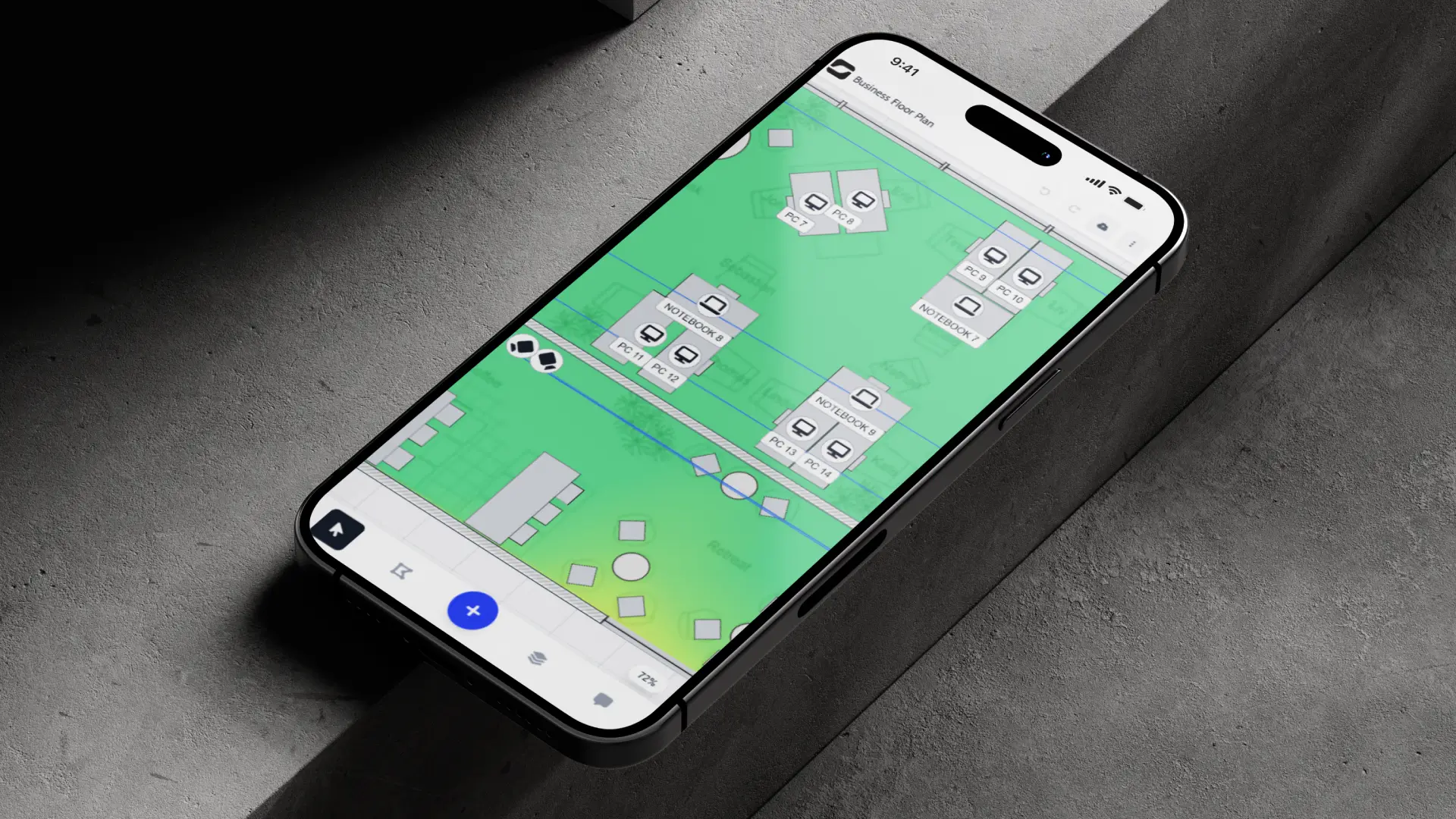
On site, on your phone
- Edit with touch. The editor has a mobile layout with bottom sheets and touch controls, so you can move an AP, add a note or check a cable run while standing in the room.
- Take the photo, then trace it. Photograph a plan on the wall or a sketch on paper and import it right away; wall detection turns it into walls.
- Show the client. Open the plan or its view-only link on your phone during the walkthrough.
Install it, no store needed
| Device | How |
|---|---|
| iPhone / iPad | Safari → Share → Add to Home Screen |
| Android | Chrome → install from Strucit’s menu or the browser menu |
| Windows / macOS / Linux | Chrome or Edge → Install app |
The installed app opens in its own window, starts from its own icon, and keeps itself up to date.
Offline
After you install it, Strucit’s code is cached on the device, so the editor opens without a connection. Cloud save and live co-editing need to be online.
Free and Pro
Installing and using Strucit on mobile is free. Your plan (Free or Pro) is the same on every device.
What it doesn’t do
- No App Store or Google Play app yet.
- A phone screen is fine for checks and small edits; drawing a full plan is still easier on a larger screen.