
Invite your team to edit a Strucit project live, with everyone’s cursor on screen, and send the client a view-only link that opens in any browser without an account.
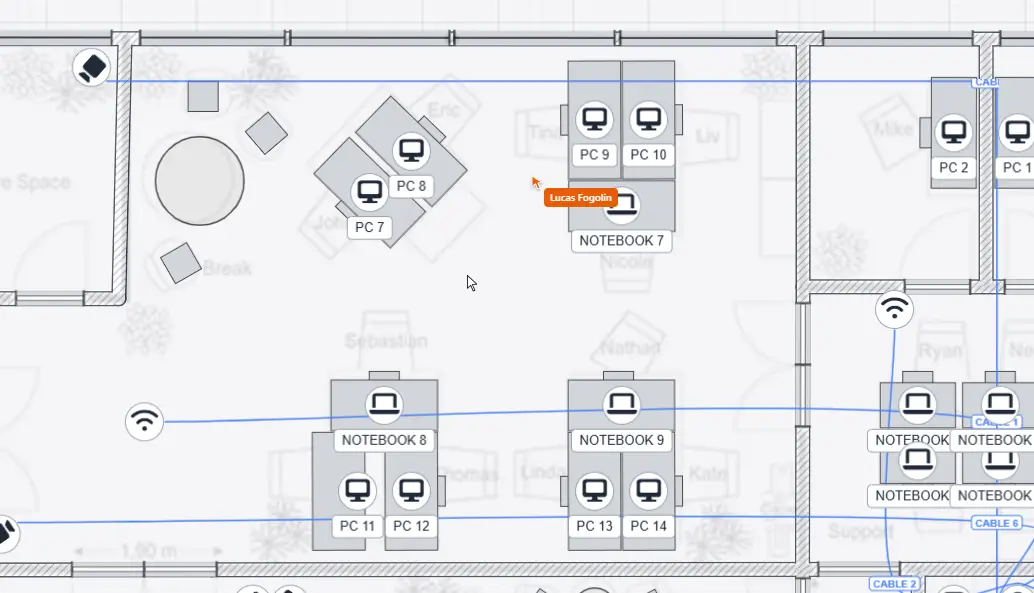
Edit together
- Live co-editing. Everyone on the project sees objects added, moved and deleted as it happens, with each person’s cursor on the plan.
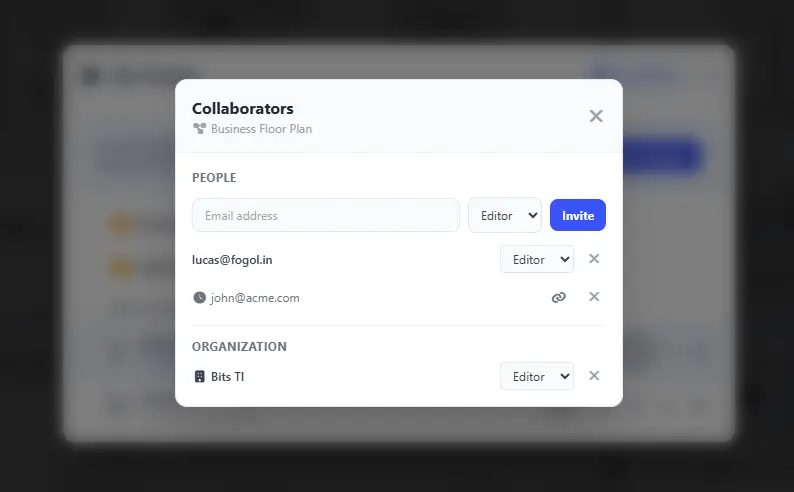
- Share a project, a folder or your whole organization. A folder share covers everything inside it, and folders can be nested, so a client’s sites can live under one folder. Invite people as editors or as viewers.
- Invitees don’t need Pro. The owner’s plan covers the people they invite to edit.
- Save when you’re ready. Edits are shared live; saving to the cloud is an explicit step, so a half-finished experiment doesn’t overwrite the saved version.
Share with the client
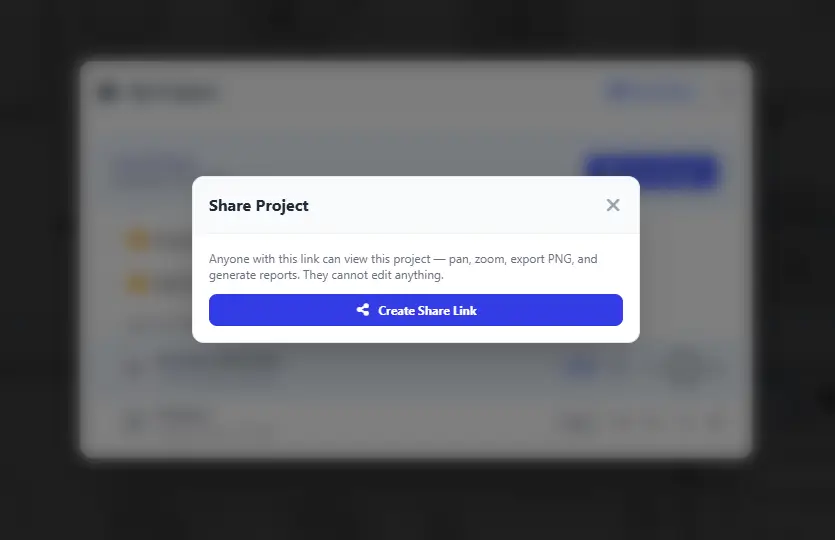
A view-only link opens the finished plan in the browser, no sign-up. The client can pan and zoom, click any device to read its specs, look at the Wi-Fi coverage, export a PNG and generate the equipment report, without being able to change anything.
Shared plans are kept out of search engines, so a client’s floor plan doesn’t end up on Google because someone posted the link.
Free and Pro
Cloud save, folders, live co-editing and view-only links are Pro for the project owner. Anyone can open a view-only link, and invited editors can use a free account.
What it doesn’t do
- No comments or chat on the plan yet.
- No version history: saving replaces the previous version.
- Simultaneous edits to the same object aren’t merged; the last one wins.